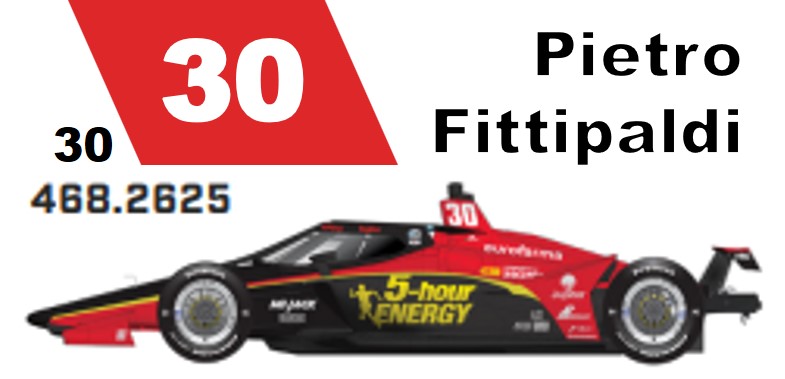
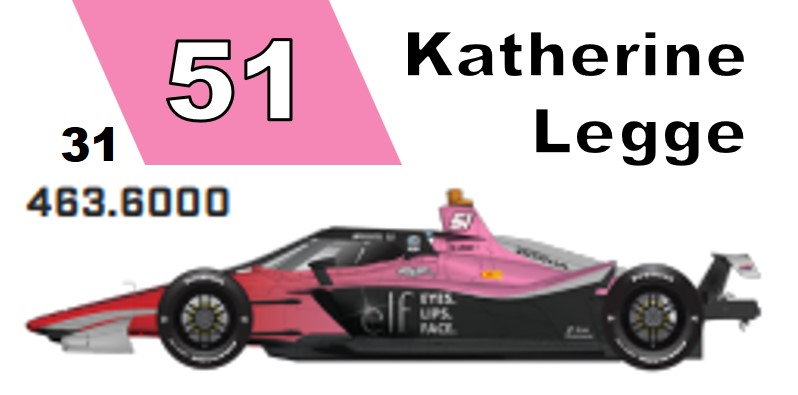
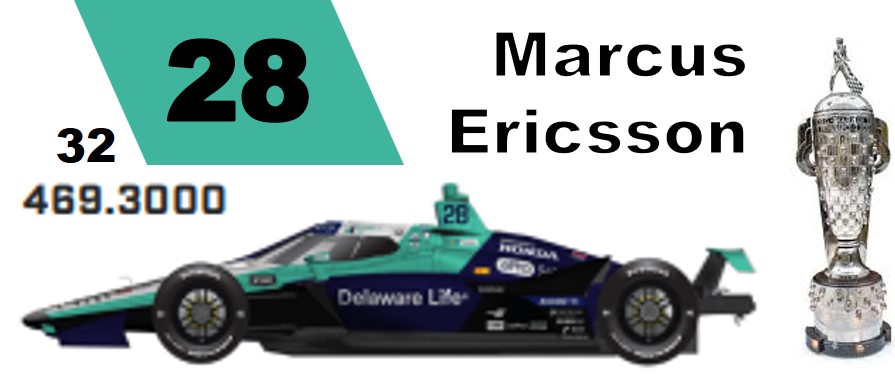
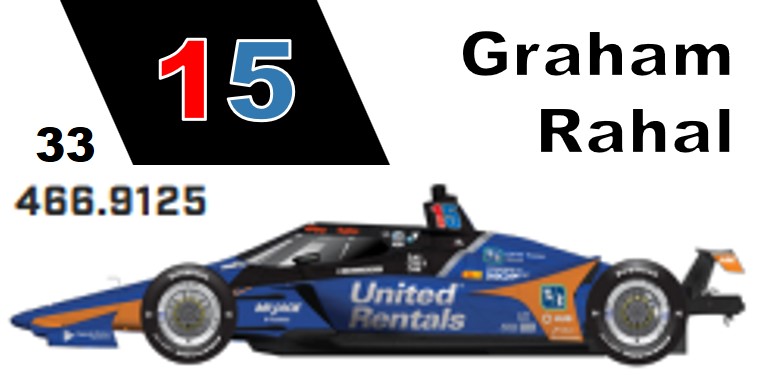
SORT BY

CAR NO   |    NAME   |    START POS   

Scanner Frequencies

Indycar Radio: CH180, CH181
Race Control: CH182, CH183
Safety: CH184
IMS PA: CH185, CH186, CH187

 
Starting Position
CH083
CH178
1


2

CH005
CH105
3

CH009
CH109
4

CH060
CH160
5

CH010
CH110
6

CH004
CH104
7

CH007
CH107
8

CH028
CH128
9

CH003
CH103
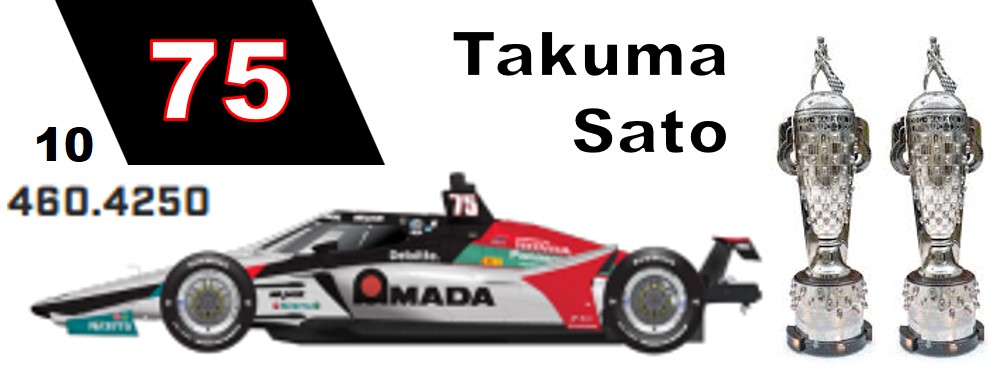
10

CH076
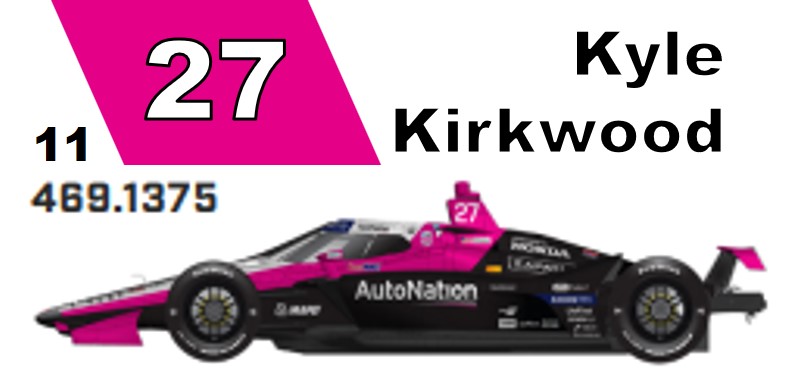
11

CH020
CH120
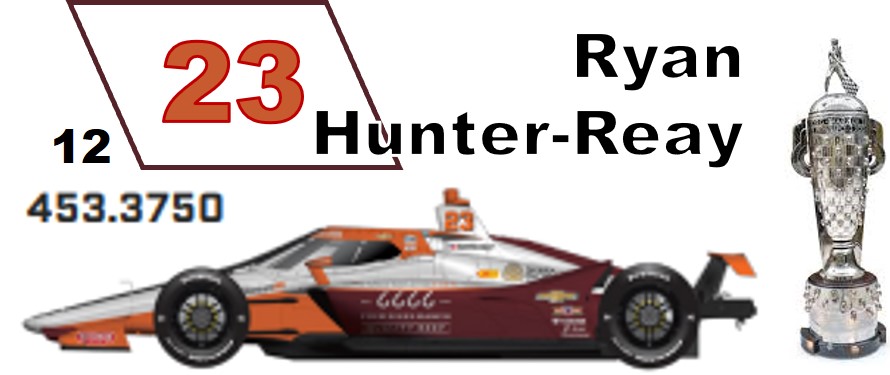
12

CH008
CH108
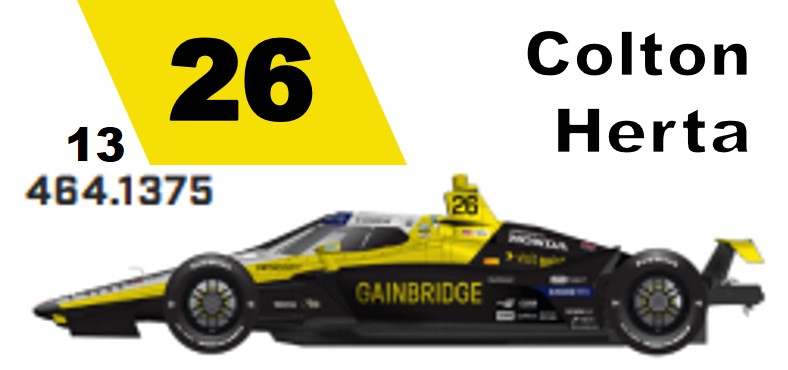
13


14

CH014
CH114
15

CH030
CH130
16

CH077
CH177
17

CH021
CH121
18


19

CH045
CH145
20

CH090
21


22

CH027
23

CH006
24


25


26

CH026
27

CH015
CH115
28


29

CH066
30

CH018
CH118
31

CH002
CH102
32

CH012
CH112
33

Select Channel
1. Hold
2. CH Number
3. Hold
When done, press Scan or Hold to scan Program Scanner Manually
1. Select Channel. You can do this by holding on a channel and scrolling to the channel number
2. Press Function then Program E
3. Enter Frequency
4. Press Progam E to complete